

AI Image to Video Generator
Transform still images into cinematic AI videos with natural motion, vivid detail, and consistent visual quality.
AI Image to Video Generator
No Videos Generated
Ready to Generate
AI Image to Video Examples
Browse real image-to-video results and get inspiration for your next AI video.
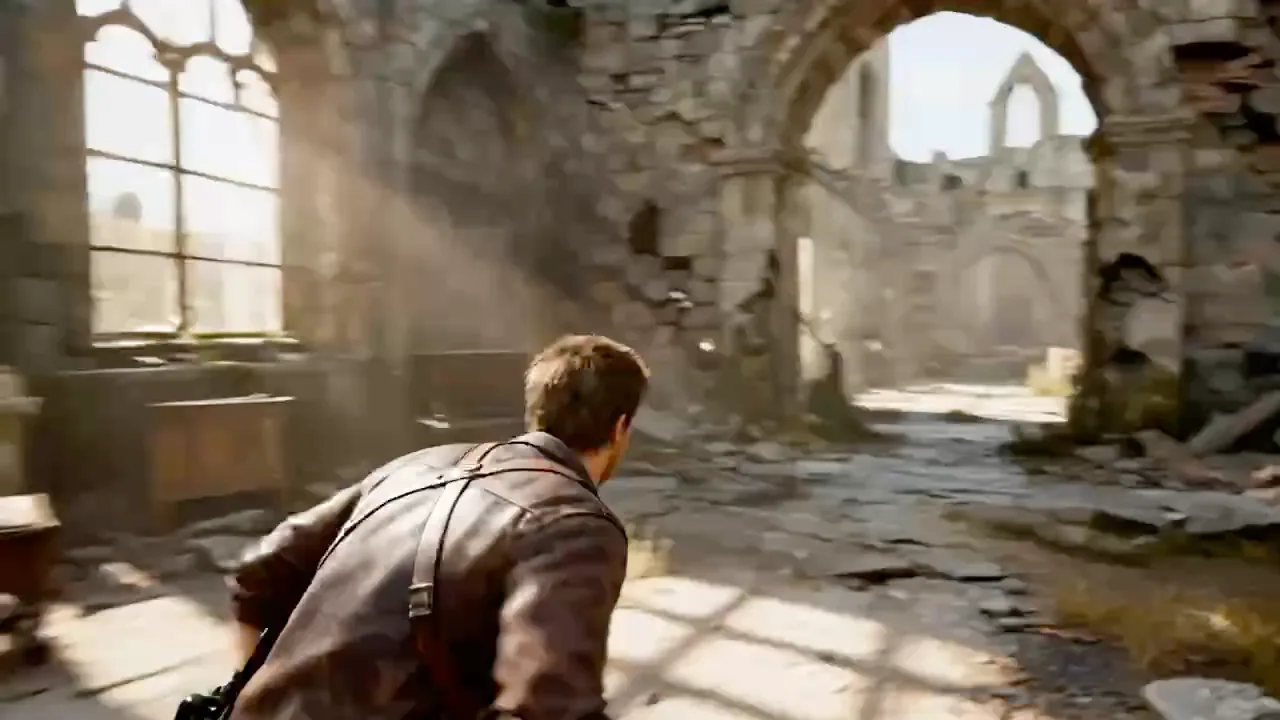
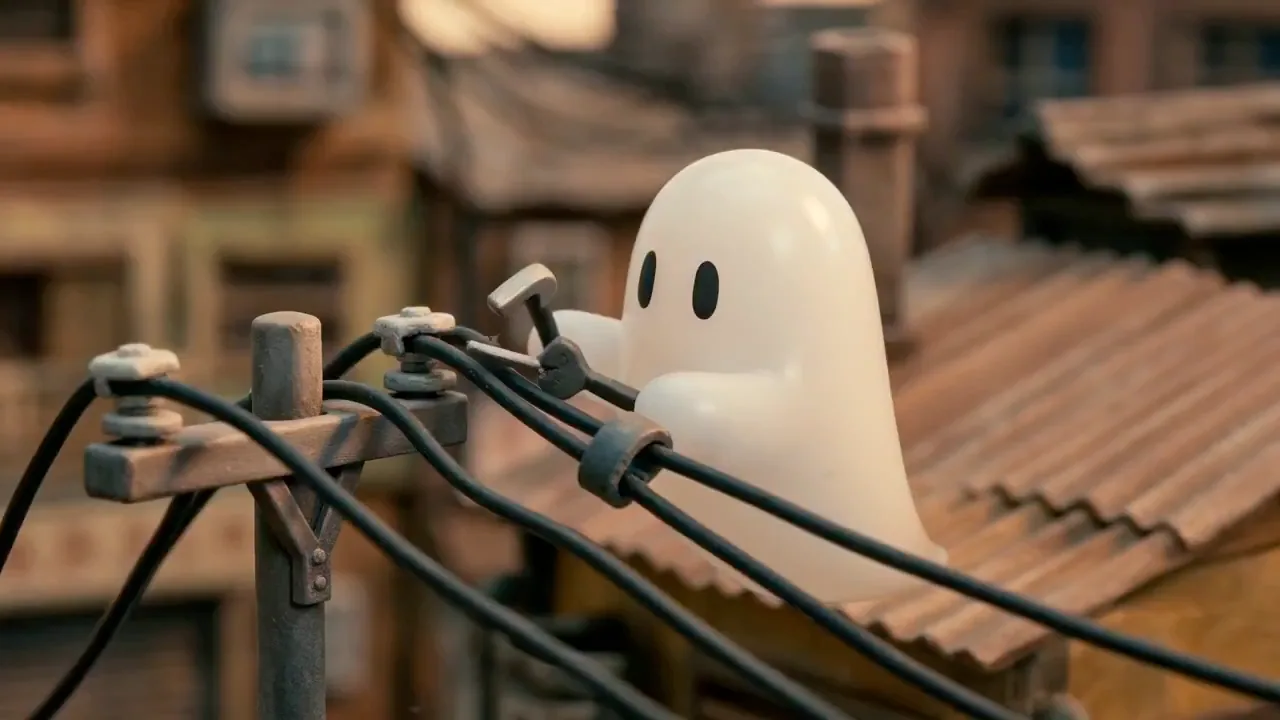
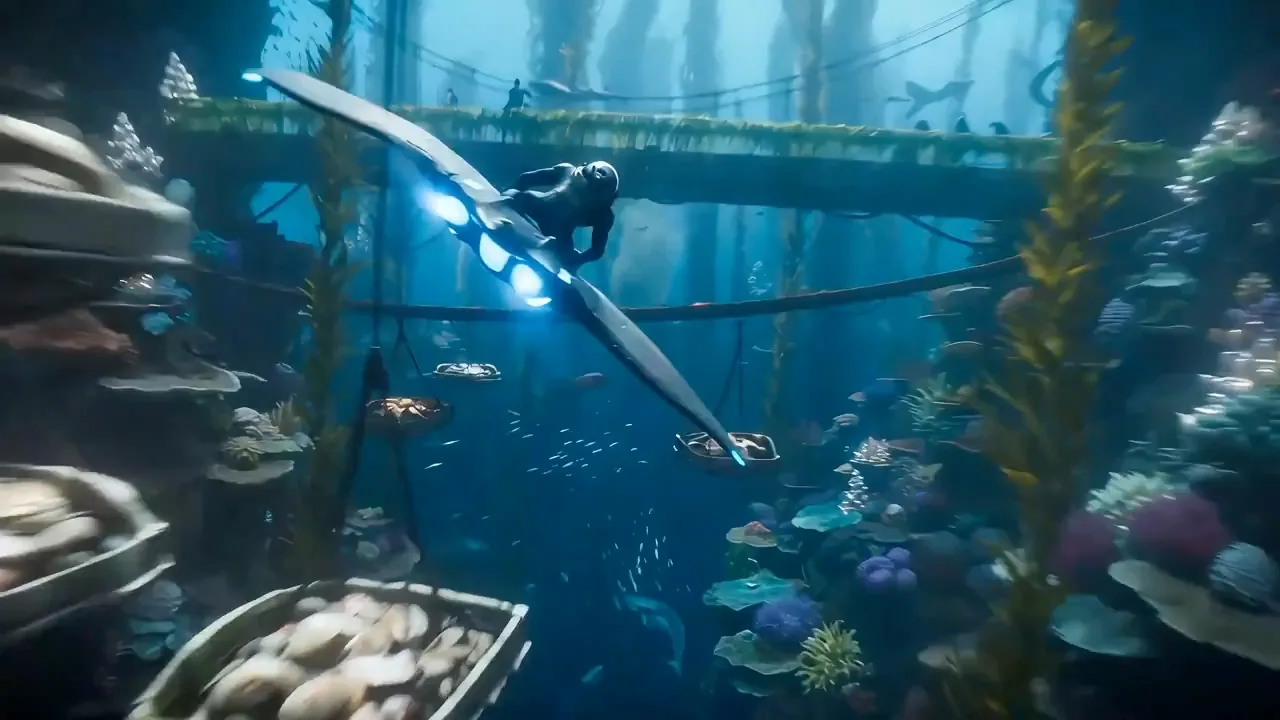
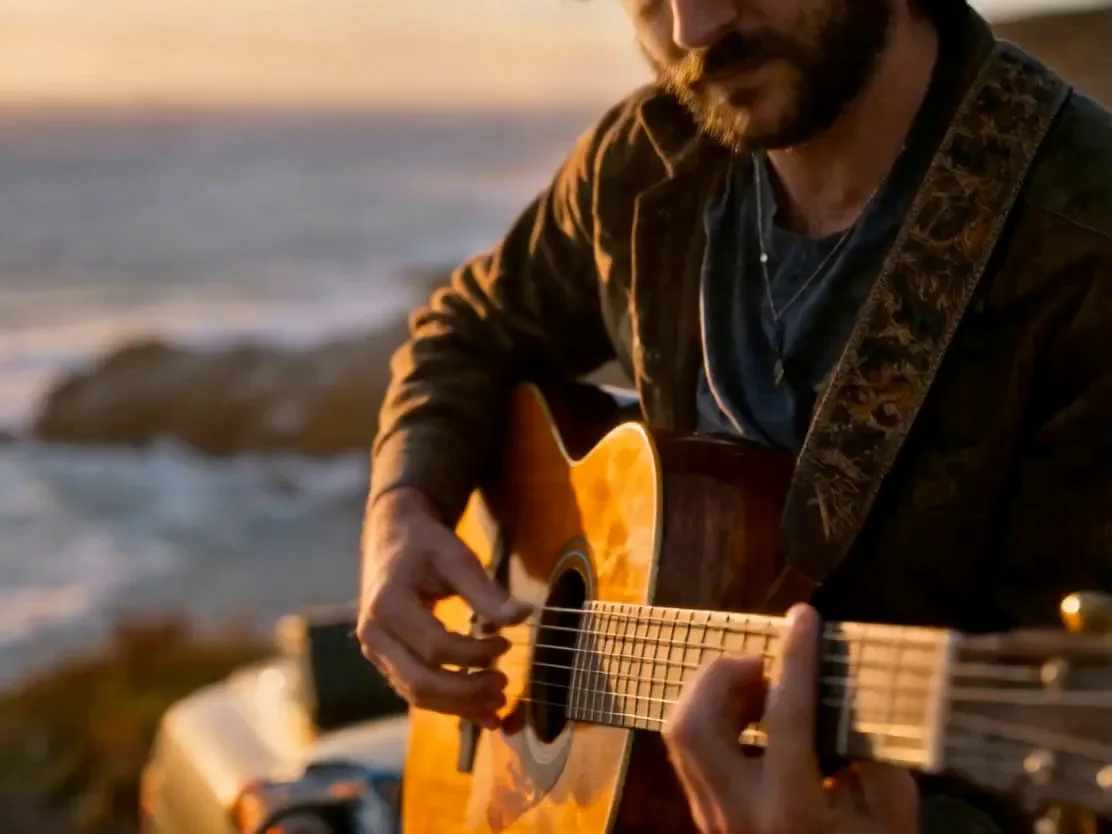
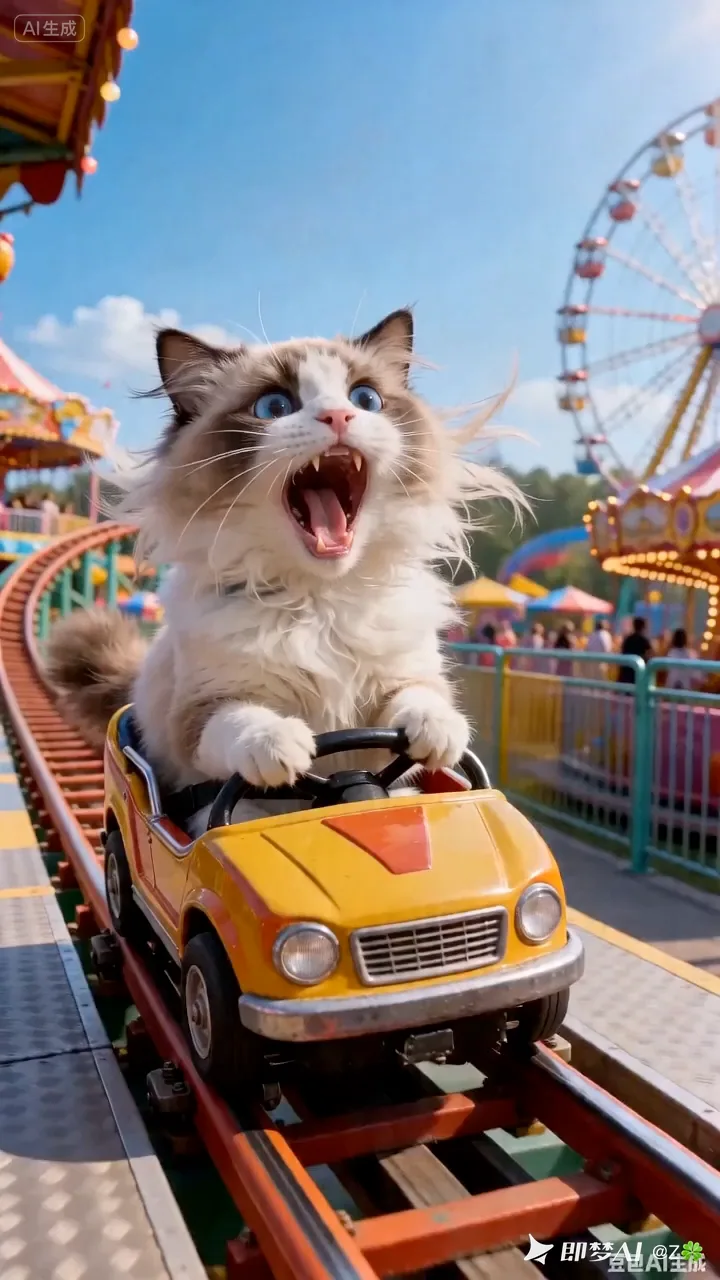
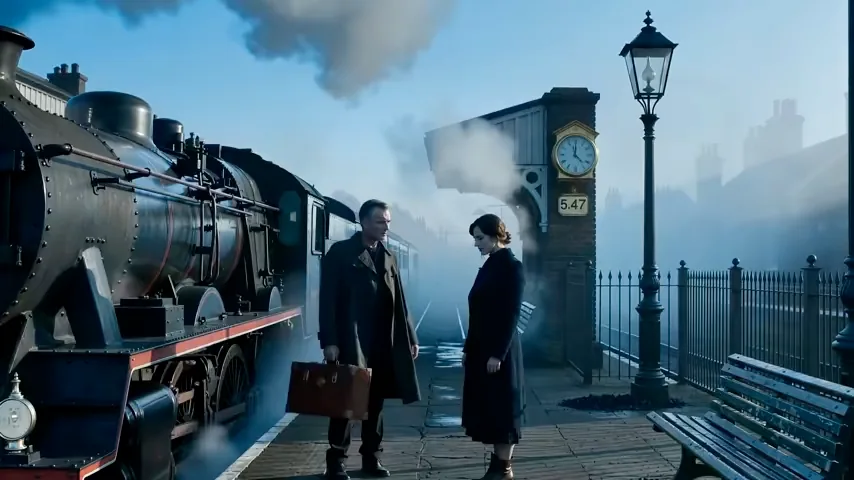
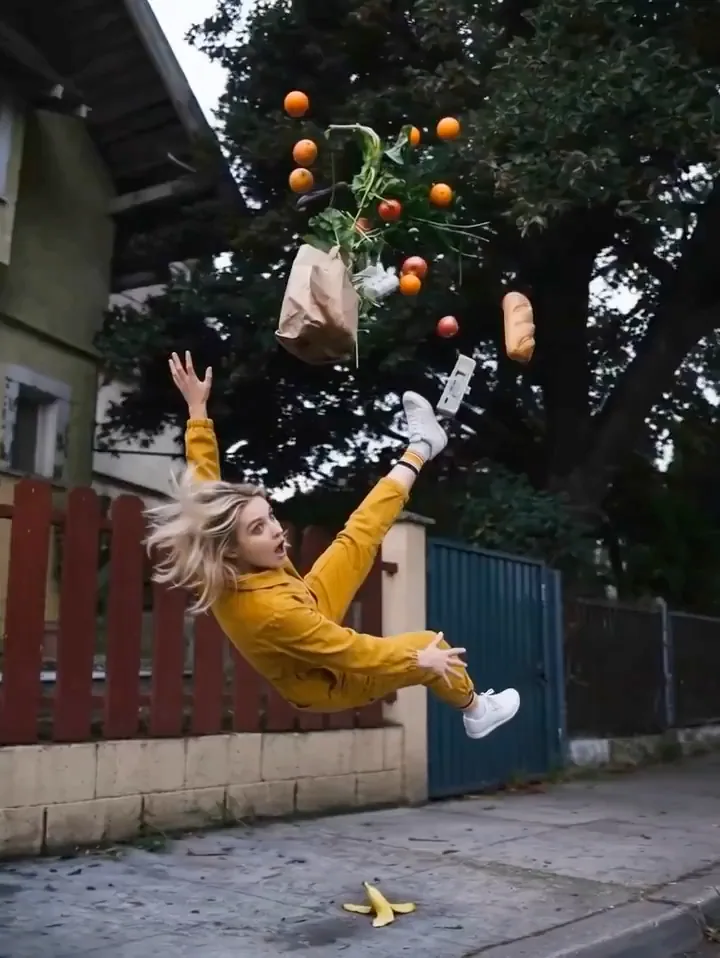
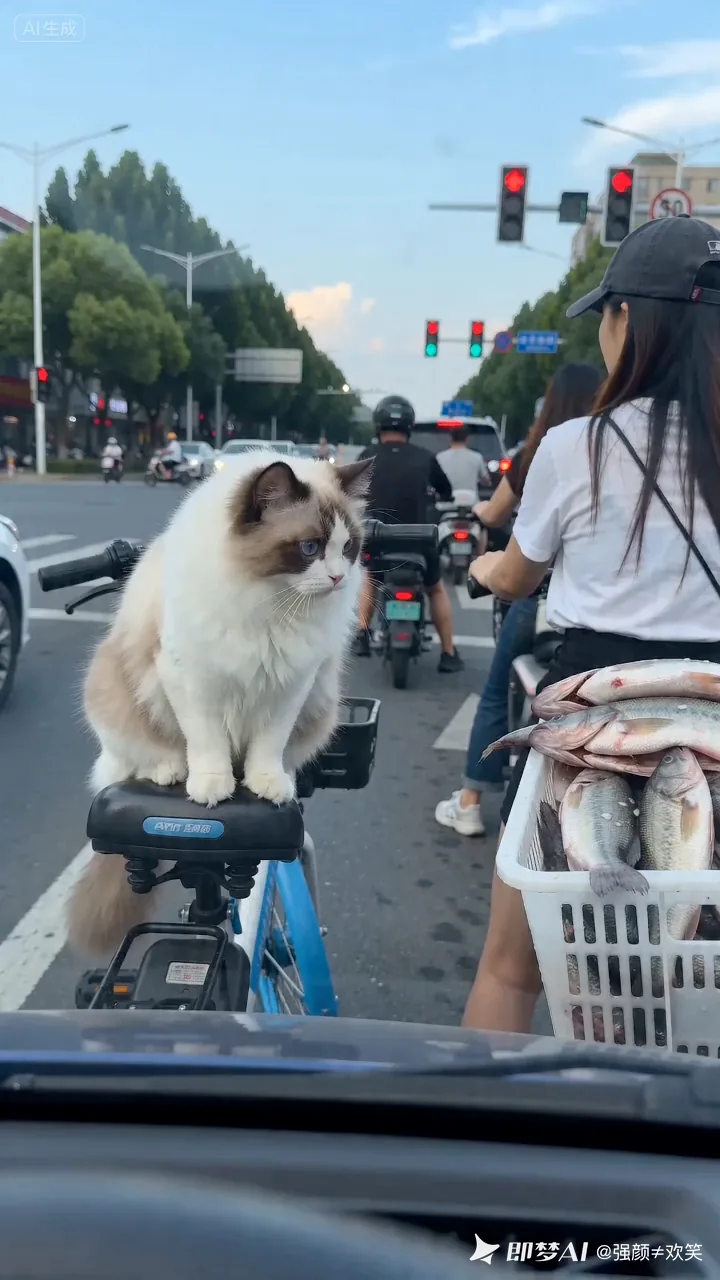
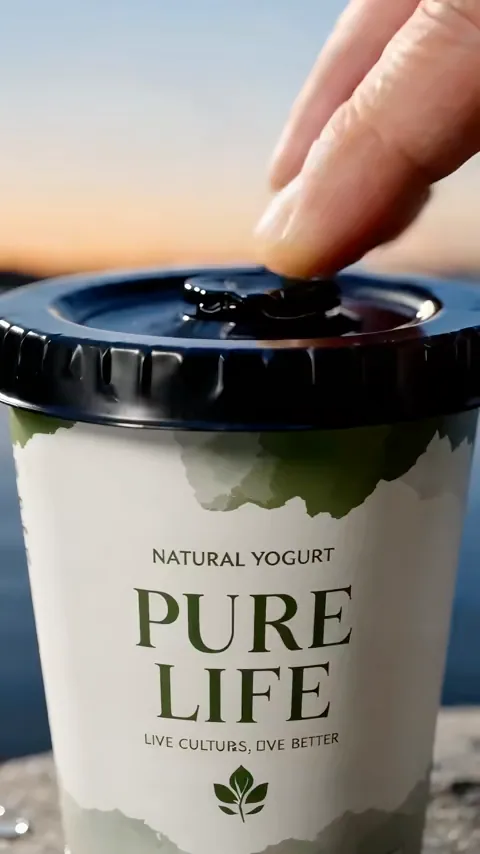
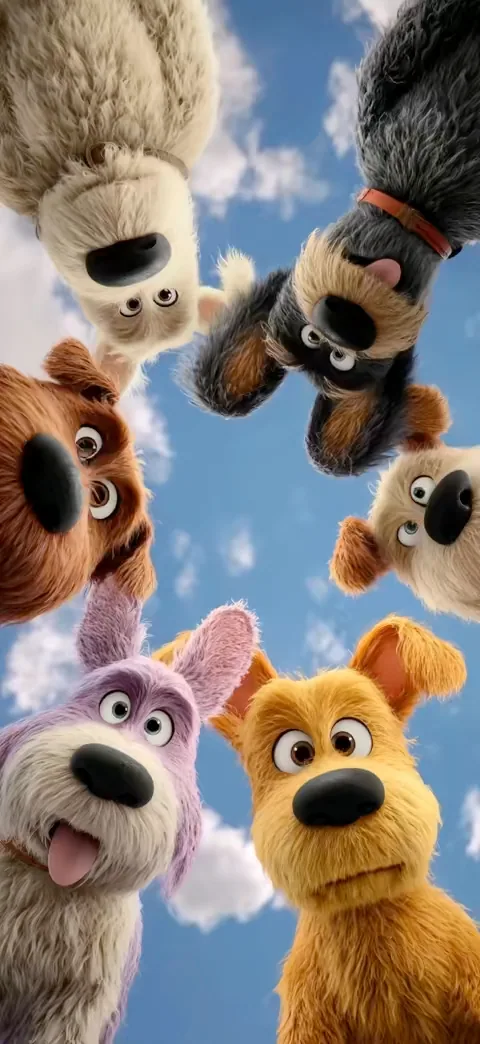
Turn Still Images into Moving AI Videos
AI Image to Video helps you convert photos, product shots, portraits, anime artwork, pet pictures, and creative scenes into short AI-generated videos with natural motion, cinematic camera movement, and prompt-based control.
Create Video from Any Image
Start with one still image and turn it into a dynamic AI video. Use portraits, product photos, anime images, pets, food, fashion, landscapes, illustrations, or visual concepts.
Describe the Motion You Want
Use simple prompts to control the video: slow zoom, camera pan, product rotation, hair movement, flying particles, moving background, emotional expression, or cinematic lighting.
Add Cinematic Camera Movement
Make a static image feel like a real video shot with push-in movement, orbit camera, depth motion, close-up transitions, slow pan, handheld energy, or dramatic scene movement.
Keep the Main Subject Recognizable
Animate people, pets, products, characters, and scenes while keeping the original subject clear. Create motion without losing the visual identity of the uploaded image.
Make Product and Promo Videos
Turn product photos, packaging shots, fashion images, food pictures, and brand visuals into short promotional videos for ads, stores, landing pages, and social campaigns.
Create Videos for Social Media
Generate image to video AI clips for TikTok, Instagram Reels, YouTube Shorts, X posts, fan edits, story videos, product launches, and daily creative content.
Why Use AI Image to Video
AI Image to Video is built for creators who want a fast, simple, and free image to video AI workflow. Upload one image, add a motion prompt, and create a short video without complex editing software.
Free to Start Online
Use AI Image to Video directly in your browser. No install, no editing timeline, no local GPU, and no complicated setup. Start with an image and generate a video online.
One Image Is Enough
You do not need video footage to begin. Upload a photo, artwork, product image, portrait, or scene and let AI turn it into a moving video clip.
Motion Prompt Control
Guide the camera, subject, lighting, background, mood, and action with natural language. Create the exact image to video AI direction you want.
Fast Short Video Creation
Move from still image to shareable AI video in minutes. Generate social clips, ad concepts, product motion, and story videos much faster than manual editing.
Useful for Real Content Work
Create videos for social media, product pages, ads, landing pages, portfolios, fan edits, visual storytelling, and marketing campaigns from images you already have.
No Editing Experience Needed
The workflow is simple: upload, prompt, generate, and download. AI Image to Video is made for creators, marketers, store owners, designers, and everyday users.
Best AI Image to Video Use Cases
Use one AI image to video generator to create videos for social media, product marketing, portraits, anime scenes, pets, ads, and creative storytelling.
Social Media Clips
Turn images into videos for TikTok, Instagram Reels, YouTube Shorts, X posts, story posts, and daily content calendars.
Product Photo to Video
Animate product photos with camera movement, close-up motion, lighting changes, background depth, and ad-style presentation.
Portrait and Selfie Animation
Create subtle motion from selfies, profile photos, portraits, avatars, and character images while keeping the subject recognizable.
Anime Image to Video
Bring anime characters, manga-style images, fantasy artwork, game assets, and illustrations to life with expressive cinematic motion.
Pet Photo Videos
Turn pet photos into cute, emotional, funny, or cinematic videos for sharing, memories, and social content.
Ad and Promo Videos
Create quick promotional videos from campaign images, posters, product shots, thumbnails, and brand visuals without a full production workflow.
How to Create an AI Video from an Image
Go from a still image to an AI-generated video in four simple steps.
Upload an Image
Start with a photo, product image, portrait, anime artwork, pet picture, landscape, poster, or any still image you want to animate.
Write a Motion Prompt
Describe the movement you want, such as slow zoom, camera pan, product rotation, moving background, hair motion, cinematic lighting, or emotional expression.
Generate Your AI Video
AI Image to Video uses your image and prompt to create a video with dynamic motion, subject animation, and cinematic visual style.
Download and Share
Save the generated video and use it for social media, ads, product pages, stories, presentations, portfolios, or creative projects.
Image to Video AI Features
AI Image to Video focuses on the features users need most: still image animation, camera movement, motion prompts, subject consistency, fast online generation, and social-ready video output.
Still Image Animation
Transform static images into moving AI videos with subject motion, environmental movement, camera depth, and stronger visual storytelling.
Cinematic Camera Control
Create zoom-ins, slow pans, orbit shots, close-ups, parallax depth, and scene motion that make your image feel more like a video shot.
Natural Motion Prompts
Use simple text prompts to guide movement, mood, action, lighting, camera behavior, and overall video direction.
Subject Consistency
Keep the main person, product, pet, character, or scene recognizable while adding AI-generated motion and cinematic effects.
Fast Online Generation
Create image to video AI clips in your browser without installing video editing software, managing local models, or learning complex tools.
Short-Form Video Output
Generate videos suitable for TikTok, Reels, Shorts, product demos, social posts, ad tests, story content, and shareable creative clips.
Popular AI Image to Video Ideas
Try these image to video AI ideas to create stronger results from your photos, product shots, portraits, anime artwork, and creative scenes.
Cinematic Product Reveal
Upload a product photo and add a slow push-in, soft lighting, floating particles, and premium camera motion for an ad-style product video.
Portrait with Subtle Motion
Animate a portrait with a gentle camera zoom, natural hair movement, soft background motion, and a calm cinematic atmosphere.
Anime Character Scene
Bring an anime image to life with wind motion, blinking lights, moving clouds, dramatic camera movement, and expressive character energy.
Pet Memory Video
Turn a pet photo into a warm short video with soft camera movement, emotional lighting, and a cozy storytelling mood.
Food Close-Up Motion
Use a food photo to create a close-up video with steam, light movement, slow zoom, and appetizing cinematic detail.
Travel Photo Pan
Animate a landscape or travel photo with a smooth camera pan, depth motion, moving sky, and cinematic atmosphere.
Frequently Asked Questions
Common questions about AI Image to Video, free image to video AI generation, photo to video AI tools, motion prompts, and creating videos from images online.
AI Image to Video is a free online image to video AI generator. It helps you upload a still image, describe the motion you want, and create a short AI-generated video online.
AI Image to Video is free to start. Depending on your usage, video quality, generation speed, length, or watermark preferences, additional paid options may be available.
Yes. One image is enough to start. Upload a photo, product shot, portrait, anime image, pet picture, or visual scene, then add a prompt to generate a short AI video.
An image to video AI generator uses your uploaded image as the visual base and your prompt as motion guidance. The AI then creates a short video with camera movement, subject animation, or scene motion.
Yes. AI Image to Video works as a photo to video AI tool. You can animate portraits, products, pets, anime images, landscapes, food photos, fashion shots, and many other visual styles.
You can use portraits, selfies, product photos, anime artwork, pet images, food photos, fashion shots, real estate images, illustrations, posters, and other still images you want to animate.
Yes. You can describe the motion with prompts, such as slow camera zoom, cinematic pan, product rotation, moving background, subtle facial expression, hair movement, or dramatic lighting changes.
Yes. You do not need video editing experience. The workflow is simple: upload an image, write a motion prompt, generate the AI video, and download the result.
Yes. AI Image to Video is useful for product photo to video workflows. You can turn product images into short promotional videos for ads, landing pages, e-commerce stores, and social media.
Yes. AI Image to Video is designed for short-form video creation, including TikTok videos, Instagram Reels, YouTube Shorts, X posts, story posts, and campaign clips.
No. Text to video starts mainly from a text prompt. AI Image to Video starts from an uploaded image, so the generated video can keep the original visual subject, composition, and style more clearly.
AI Image to Video is designed for content, marketing, product, and creative workflows. Please review the platform terms for the exact scope of commercial use and rights.
Create Your First AI Image to Video for Free
Upload an image, add a motion prompt, and turn your photo, product shot, portrait, anime artwork, pet picture, or creative scene into a short AI video online.